10 Best YouTube Channels for Learning DaVinci Resolve
DaVinci Resolve can handle editing, color grading, Fusion effects, motion graphics, and audio. That range is powerful, but it can also make learning feel unfocused.
These ten YouTube channels can help you learn one skill at a time. Start with the channel that matches your current goal, follow a complete tutorial, and practice the technique in a small project.
1. Casey Faris

Casey Faris is a strong starting point for beginners learning the Fusion page. His tutorials explain nodes, compositing, motion graphics, and visual effects in a practical way.
Visit Casey Faris on YouTube →2. MrAlexTech

MrAlexTech focuses on useful editing workflows, effects, transitions, templates, and productivity features. His videos are helpful when you want a fast solution inside Resolve.
Visit MrAlexTech on YouTube →3. Blackmagic Design

The official Blackmagic Design channel offers training sessions, demonstrations, product information, and advice from professionals who use Resolve every day.
Visit Blackmagic Design on YouTube →4. Darren Mostyn
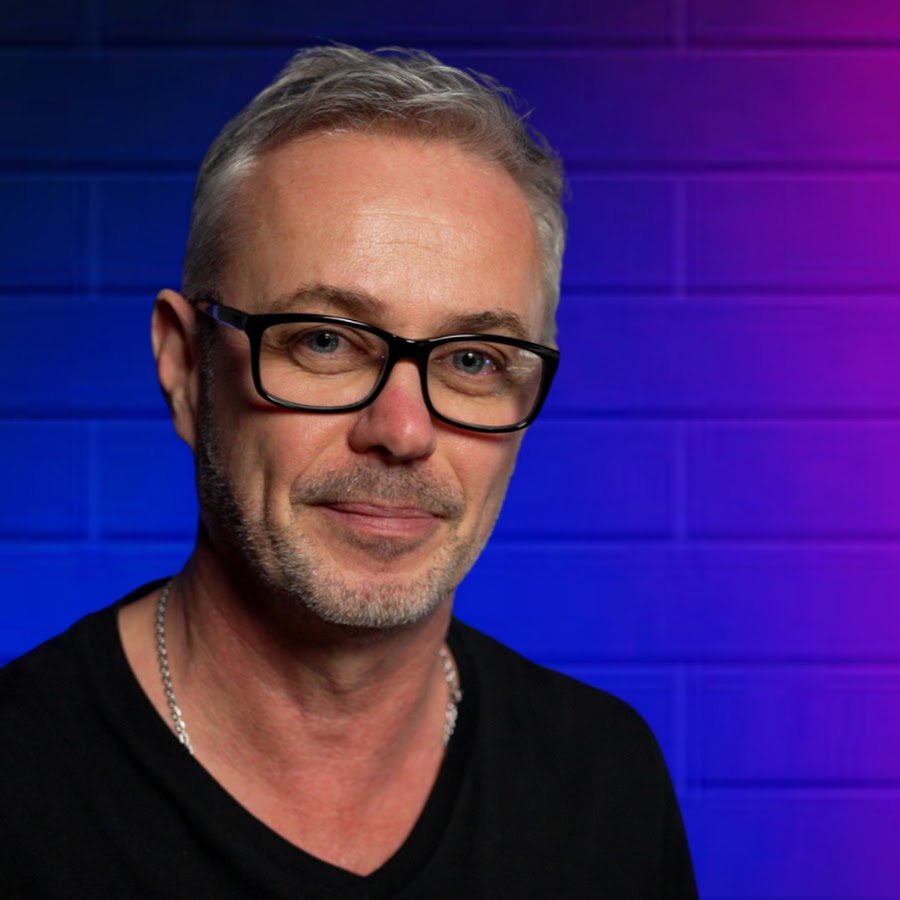
Darren Mostyn is an excellent resource for color grading and professional post-production workflows, including color management, scopes, and efficient project setup.
Visit Darren Mostyn on YouTube →5. Jason Yadlovski

Jason Yadlovski covers editing, Fusion, color, audio, and workflow improvements. His focused lessons are useful when you want to solve real editing problems.
Visit Jason Yadlovski on YouTube →6. JayAreTV

JayAreTV is useful for beginners learning the Edit and Cut pages. The channel covers everyday editing tasks, tools, shortcuts, and techniques for finishing projects.
Visit JayAreTV on YouTube →7. VFXstudy

VFXstudy is worth exploring for Fusion, compositing, and visual effects. Its tutorials break down creative effects and node-based workflows you can rebuild yourself.
Visit VFXstudy on YouTube →8. Cullen Kelly

Cullen Kelly is a valuable resource for colorists learning color science, color management, look development, and professional DaVinci Resolve grading workflows.
Visit Cullen Kelly on YouTube →9. Learn Color Grading
Learn Color Grading focuses on practical color correction and grading lessons, making it a useful place to build confidence with nodes, scopes, and Resolve's color page.
Visit Learn Color Grading on YouTube →10. Patrick Stirling

Patrick Stirling publishes tutorials about presets, effects, transitions, and creative tools. These lessons help you add polished motion elements while learning the underlying workflow.
Visit Patrick Stirling on YouTube →How to Learn DaVinci Resolve on YouTube
Choose one channel for your immediate goal instead of subscribing to everything at once. Watch a tutorial from beginning to end, recreate it without copying every step, and adapt the technique to your own footage.
A simple learning order is editing first, color grading second, and Fusion or Fairlight after that. Save the project files and notes from each exercise so you can build a personal reference library.